Curvature of the Mind

Thoughts from a Recreational Physicist

New Technique – Iterated function system interpolation functions

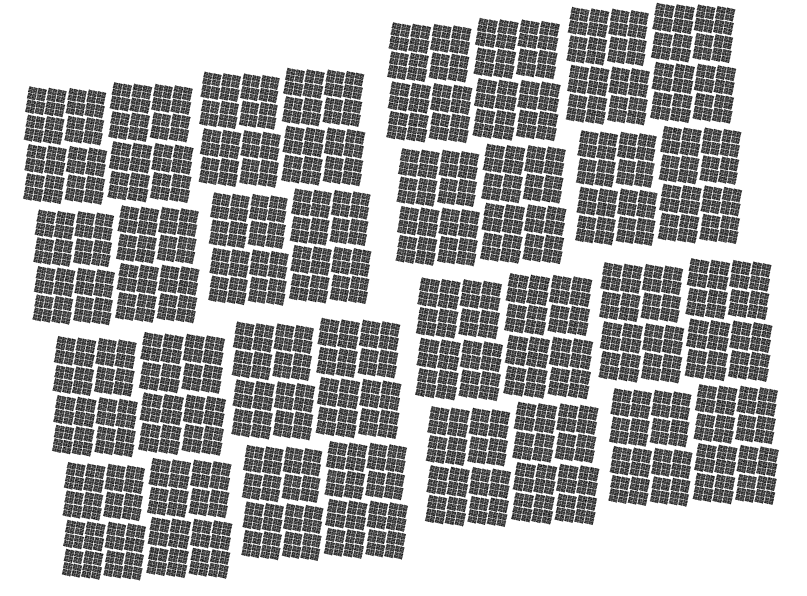
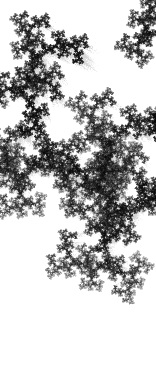
I’m working on a technique to create heavy textured straight brush strokes.  There are a number of abstract paintings using textures I’d like to reproduce.  I’m definitely a way off, but I’m liking some of the results so far.

What separates these from the fractals I’ve generated in the past is that they have a one dimensional linear component, and a single valued transverse component.  Previously the fractals have all been 2 dimensional with more complicated structures, which would be multi-valued.

A big advantage of this is that I only have to compute one value per point and don’t have to use any alpha values.  Here are some of the initial experiments.


The goal was to produce a rough edge as the “brush” lifted off, but I’m liking a bit of the texture on the most intense part of the “stroke”

Related Images:

The most basic IFS Fractal of all – the cantor set

cantor set

The cantor set is the simplest IFS fractal out there

What is that, Morse code? That my friends is the cantor set. It is one of the examples of basic topology and one of the objects that highlight many of the non-intuitive aspects of infinities.

The most common construction is to take a line and remove the middle third. Next you remove the middle thirds of the two remaining segments. You keep removing the middles of every segment that is left. If you could continue for ever, you would be left with an infinite “dust” of disconnected points.

We can build one with two simple transforms. Just contract by 2/3rds at two different points and the attractor is a cantor set. The next images are going to be simple tweaks of the cantor set, and the fractal space will grow from there.

Related Images:

more square

roughly square 2

roughly square 2

This is similar to the last one, but the angles are 180 and 90 ish. You can see the similarities with the last update.

Related Images:

nearly square

roughly square

roughly square

I’m working on a gui fractal image editor, and I’ve been uploading galleries of images I’ve done with it. In preparation to uploading a usable version of it, I’ll be uploading images every day or so.

Related Images:

Closer to a good stopping point

I’ve finally got the chrome crashing bug and crazy memory usage fixed, so I’ve taken a little bit of time while my 3 week old daughter is sleeping here and there to add some refinements. I’ve added basic shading back in, added a link to the blog and a couple of bookmarking links. I’m going to go take a nap now, so check it out:

fractal getdown

I’ve also submitted this version to canvas demos, it would be nice if it was picked up there since I haven’t heard anything after submitting an earlier version to chrome experiments.

Related Images:

I think this is the last moving fractal for a while

I’ve completely revamped the way I generate motion for the IFS fractals. I think it is much more entertaining. Now I generate new points and linearly interpolate between them with the constraint that the sum of the scaling factors is a fixed constant. Before I just generated a fixed path which ended up with a rather repetitive sequence of images. It didn’t matter what image you were shown, you could pretty much see how it was going to twirl into the future.

With this rev, the destination is more random, so the images themselves seem to ebb and flow in a much more organic fashion. I added a 1.5 second pause at the randomly generated point and those images are rendered with more detail.

I’m disappointed that I haven’t tracked down what is causing chrome to crap out rendering, but I’m hoping it’s a bug in the engine that will get patched or eventually I’ll get it figured out.

Anyway, here is the latest version: http://curvatureofthemind.com/wp-content/uploads/2010/10/fractal-lerp.htm

Related Images:

faster, denser

WARNING javascript development geek alert.

I haven’t posted in a while as I’ve been refactoring the javascript. I’ve broken the script down into a jQuery plugin to draw the fractals, and moved the ifs animation portion into another level of code. I’m thinking about releasing the code as a canvas based replacement to those “loading” animated gifs on websites. That way users can see something a little bit more interesting than a spinning circle while something is going on with the server.

On the math side of things, I’ve finally worked out a scheme to produce more evenly distributed paths through the fractals. I’ve two minds about this. On one hand, the outlines of the images are more thoroughly filled out, on the other the image is missing some of the nebulous detail I liked in the previous rendering image. I love this. It means I get to choose how each rendering looks. Right now I can choose between a distribution which is evenly selected per transformation or the area traced out by that map. Either the senate or the house of representatives in political terms. Each choice produces a different set of images and I am free to choose the ones that I like best.

So I’ll be playing with those choices and an infinitude in-between. I’ve also got my eye on creating something that will let my viewers create and share images of their own, as well as get into the nitty gritty details of how these images are generated and all the mathematics that goes into them.

Far from being vacuous beauties, there are a number of advanced mathematical concepts that can be explored through them. Topology, probability, measures, geometry, chaos theory, group theory are just the tip of the iceberg. I’ve plans to delve into group theory and generating one dimensional fractals, though it’s going to be a challenge for me. I’ve been more comfortable with short descriptions of the code that I’ve generated, and now I’ll be focusing on the mathematics behind them; I’ll probably be spending a lot more time on those.

Link to the gratuitous new version of the engine here:

http://curvatureofthemind.com/wp-content/uploads/2010/09/fractal_balance1.htm

Related Images:

New streaking and pause

paused fractal

paused fractal

I’ve updated yet again. This time I’ve increased the refresh rate and changed the way that I do the motion blur. Instead of keeping a buffer of past images and redrawing them all for each frame, I’m clearing the screen with an alpha factor. That gives a fading trail. I also added a pause on click feature, so you can see a more detailed image if you pause it. Things are starting to come together, and I’m thinking about adding some UI elements to control rate, pause and resume, also hide an show the map indicators with the ability to drag them around the screen.

I also want to work on the movement algorithm to add some more random and compelling movement, like speeding up/slowing down, changing direction, or pulsing through the same point in different directions for a while before zooming off into a completely new area.

Of course I want to add color back too, and experiment with different ways to color the image based on path through the fractal, location, randomness, etc. I’d also like to add movement through the color palette and algorithm as well.

Pause

Related Images:

Improvements and effects

swirliesI’ve made some changes to the way I’m drawing to the canvas. Using the imageData api is much faster, even though it’s a lot less user friendly. I’m able to keep a histogram of hits per pixel in the image. However, mapping the histograms to the color palette is now going to be more complicated, but I can fill in about 20 times the number of pixels. I’m putting the histogram into the alpha channel and I’m going to play with using the fill mode to mask off an image. In the mean time I ended up commenting out the page clear code, and I liked the trailers it produced. So here it is.

fractal_swirlies

Related Images:

Animate2

The continual evolution of the animated fractal page. I’ve worked a simple palette into the images giving a slight scintillating effect. I’m testing out markers to show the center, scale and rotation of the maps. They also include more kinds of movement. In the first version, I only included animating the scale and rotation of the maps which lead to a predictable pattern of movement, so this update includes moving the centers as well.

animate2

Related Images:

Next Page »