Curvature of the Mind

Thoughts from a Recreational Physicist

Technique work

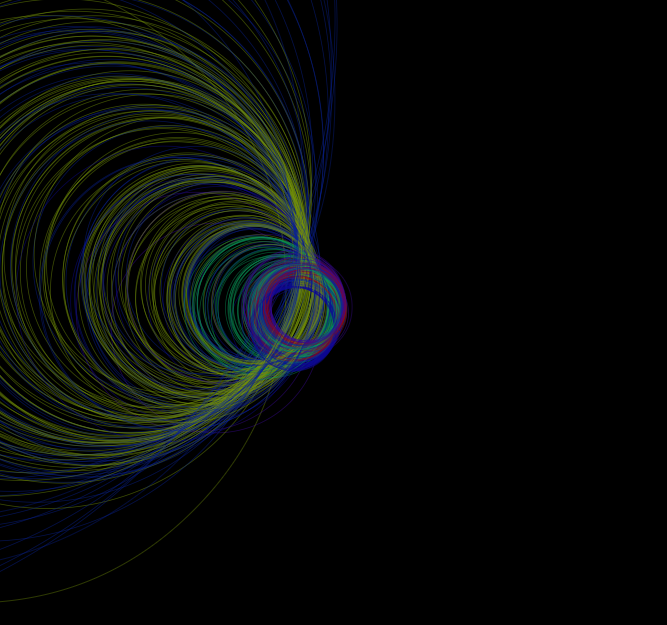
I can’t say I’m a huge fan of these, but I’m playing around with colors and the rendering.  Right now they just seem pretty  for pretty’s sake.  I think I’m waiting around for inspiration on how to put these to good use.  These are generative and then just selected to save as an image.  Enjoy!


Related Images:

Another generative geometric fractal experiment

I’ve got to take a break from the stripey stuff for a little while.  This is circling back to the circles.  I’ve taken the mapping I’ve been using from the inside of a sphere to the set of all circles, lines and points on the plane and combined them.  This is what I was aiming for from the outset of this experiment, I’ve just taken a few detours getting here.  I’m still trying to figure out if I can use these images or the best techniques to render the objects, or even which sets of transformations even work well for these images.

The core of the approach is tying back the relationships between fractals and parameter spaces.  Given the mapping from a subset of 3 dimensional space to simple geometric objects on the plane, we can use that to map distributions of points on that subset to distributions on the simple geometric objects of the plane.  I’m trying to figure out if I can make anything pretty with that, and can I exploit it to make anything meaningful out of those images.  So here is a random walk through these spaces.

Related Images:

My First canvas experiment

This is my first experiment with canvas. I was trying to build a better understanding of the geometric uses of Clifford algebras. This little snip-it shows some features of the Clifford triple product in 2 dimensional Euclidean space.

Related Images:

Fractal Drawing Tool – Users Guide

Fractal Designer

I’m trying to put together some instructions and add some context for the tool I’ve been using to create the fractal images on the site. I’ve made some updates to the usability and features, adding the ability to upload an image to imgur. This is only the second rev, and the first of more tools to come.

Fractal designer in action

The Controls

This is just a quick collection of instructions on how to use the HTML5 fractal drawing application I have on this site. First thing first, the tool draws images based on the colored control points on the screen. You can drag them around with your mouse to create different shapes.

For even more control, each control point has a set of sliders that control how it adds to the image. The first slider controls the amount of rotation you get around the control point. The second controls how much the control point shrinks the image while it copies. The third which is the most complicated, controls how much the image is squished into a line.

The best way to get a feel for how the images change is to dig right in and start manipulating the graphics. Please let me know what you think on the comments to this post. Things are pretty bare right now, but I have plans to add other renderers that I’ve demoed with pictures, and color for sure. I’ve kept it to black and white as I’m trying to build my skills with more complicated images.


Related Images: